How to install and use the Plug&Play Currency Sync for Zoho CRM
Free Extension
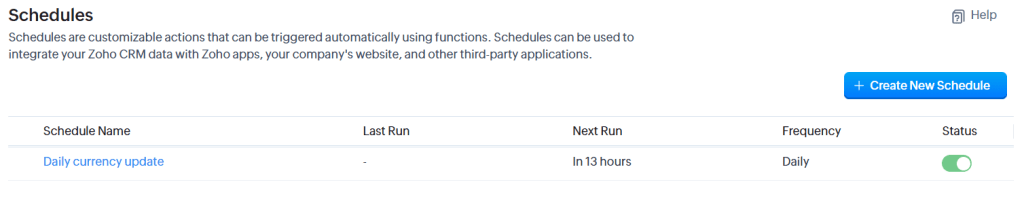
Managing multiple currencies in Zoho CRM can be challenging, especially when exchange rates fluctuate daily. Our Zoho CRM Currency Exchange Rate Extension automates this process by fetching up-to-date exchange rates from a reliable API source and updating the rates between your CRM’s base currency and all other configured currencies every day at 2 AM. This ensures that your financial data remains accurate without requiring manual updates.
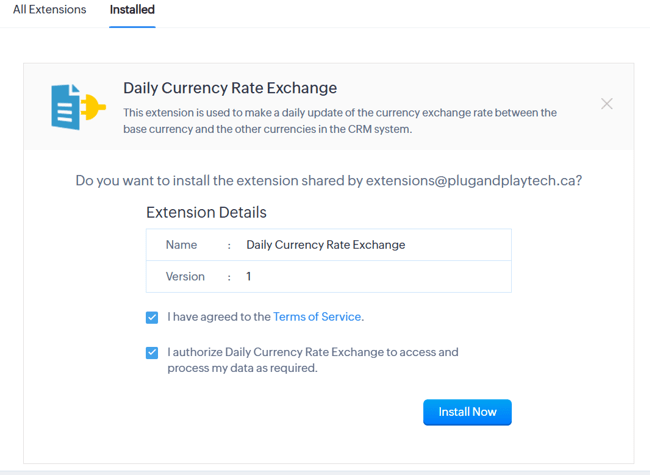
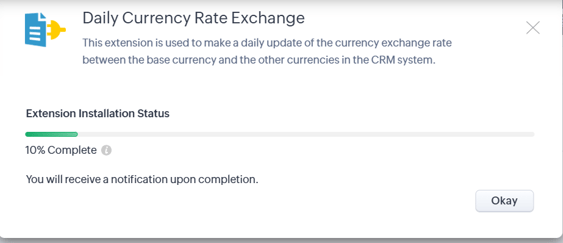
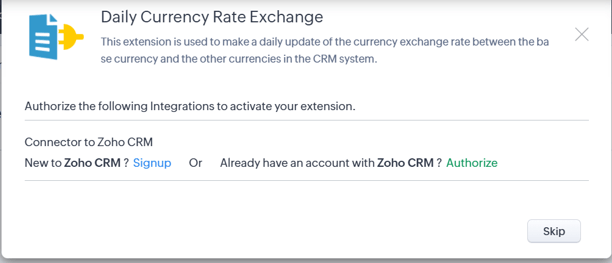
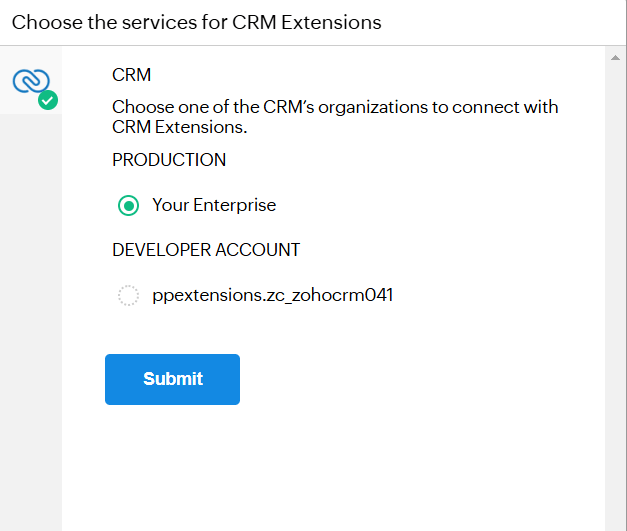
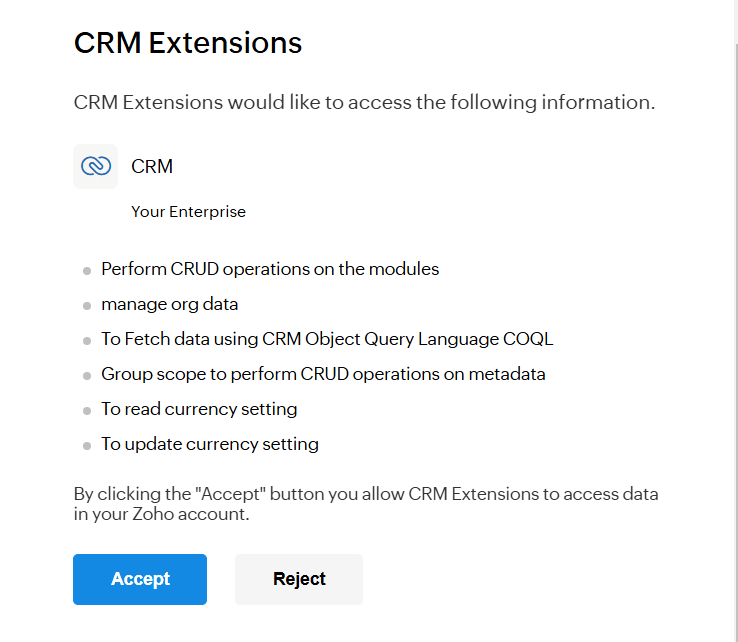
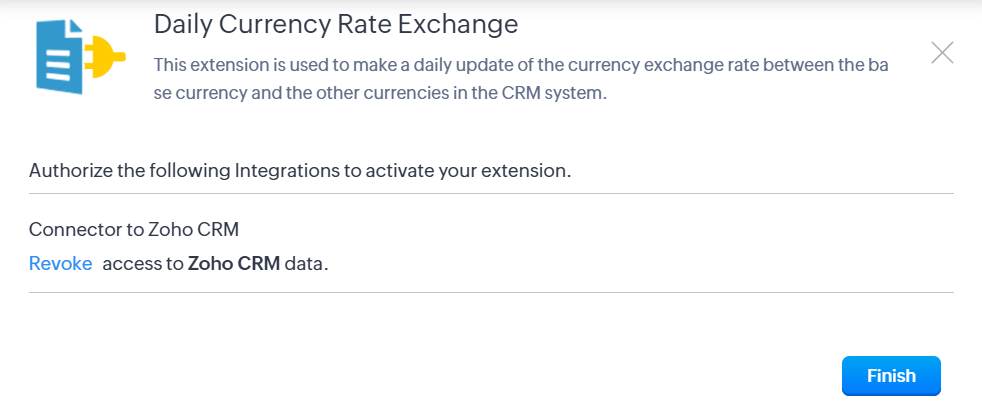
On this page, we’ll walk you through the extension’s key features, how it works, and provide step-by-step instructions—complete with screenshots—on how to install and configure it in your Zoho CRM.
Prerequisites & Key Features
Before installing the extension, ensure that your Zoho CRM has an available schedule slot, as the extension relies on Zoho’s scheduling system to execute the daily updates. You can check your schedule limits based on your Zoho CRM license by visiting Zoho CRM Schedule Limits.
Key Features:
✔ Automatic Daily Updates – Fetches exchange rates from an API and updates your CRM currencies once per day at 2 AM (based on your system’s time zone).
✔ Seamless Integration – Updates exchange rates between your CRM’s base currency and all other configured currencies.
✔ Automatic Daily Updates – The extension runs automatically once per day; manual updates or re-execution on the same day are not available.
Below, you’ll find step-by-step instructions, including screenshots, to help you install and configure the extension in your Zoho CRM.